LANG CALENDAR FRAMES
How do I change the pages in my LANG calendar frame?
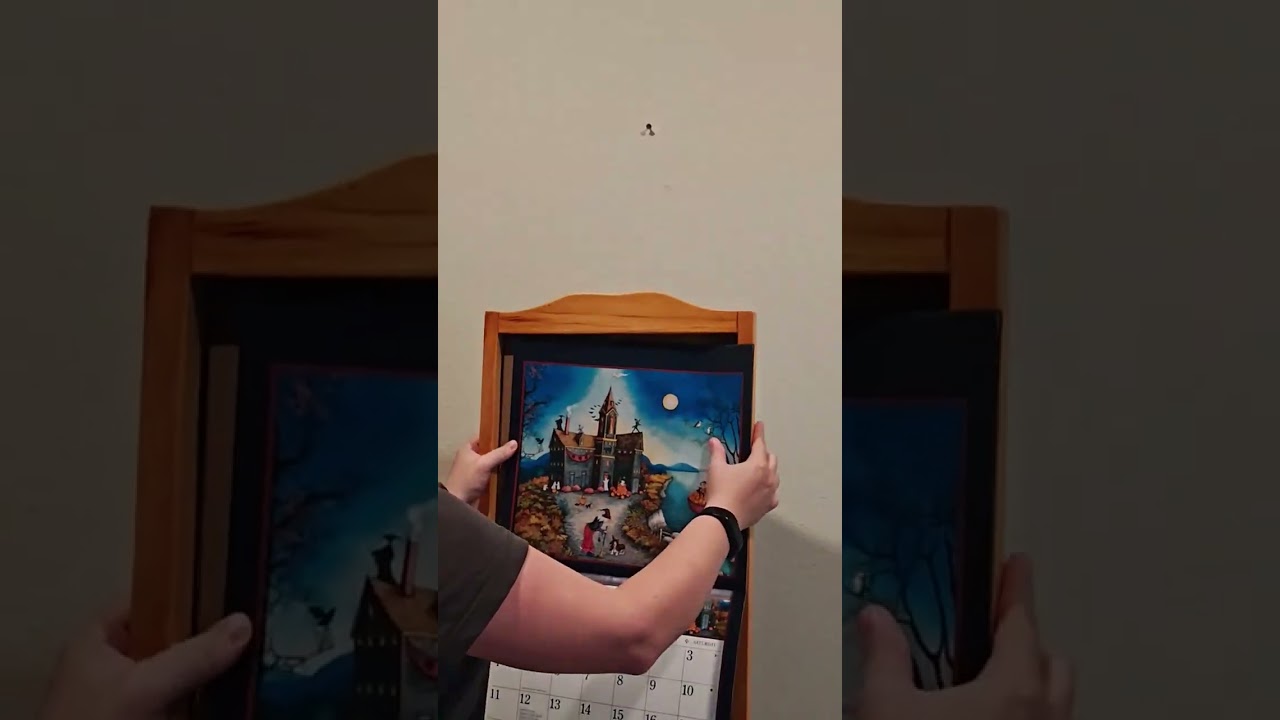
Changing the monthly pages in your LANG calendar frame is simple! Watch this quick video tutorial to see exactly how it's done:
Step-by-step instructions:
- Remove the frame from the wall
- Slide the calendar out from the frame opening
- Flip to your desired month
- Slide the calendar back into the frame
- Rehang on the wall
This frame measures 14.75"w x 27.25"h x 1.25"d and accommodates LANG wall calendars and other standard-sized wall calendars up to approximately 14" wide.
