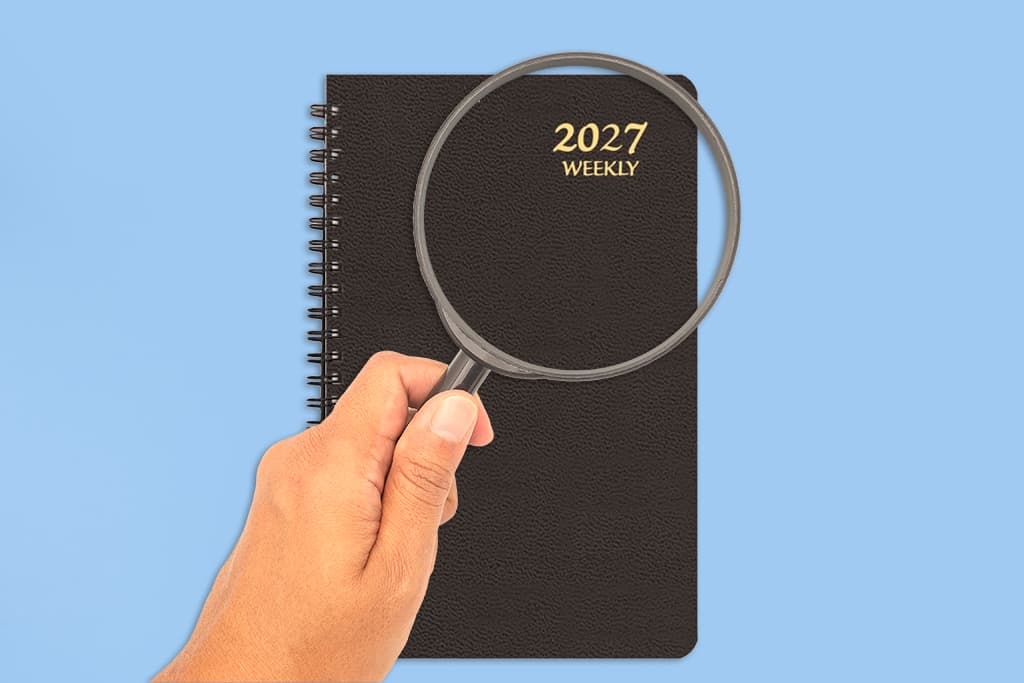
You did it. Your new 2027 planner is sitting on your desk, and the pages are crisp, clean, and completely blank. You are excited. You are also a little nervous. What if you mess up the first page? What if your handwriting is not pretty enough? What if you stop using it by February?
If that sounds familiar, you are not alone. Blank planner panic is real, and it stops a lot of people from getting started. The good news is that you do not need a perfect system. You just need a simple setup plan that takes the pressure off.
This guide walks you through exactly what to do first. You will learn how to test your layout with sticky notes, which dates to write in first, and how to sync your phone, wall calendar, and planner so nothing slips through the cracks. Whether you bought one planner or a whole stack of 2027 calendars, these steps will help you start strong and keep going.
Spend Ten Minutes Getting to Know Your Planner
Before you pick up a pen, take a few minutes to learn what you have. This small step saves you from awkward mistakes later.
Flip Through Every Page
Start at the front and go all the way to the back. Look for the yearly overview, monthly spreads, weekly pages, notes sections, and any extra pages like habit trackers or goal sheets. Knowing what is inside helps you decide where each type of information belongs.
Decide What Job Your Planner Will Do
A planner can do many things, but it cannot do everything well at once. Ask yourself what you need most. Do you want to track appointments? Manage a long to-do list? Plan meals, workouts, or school pickups? Pick your top one or two jobs and build around those.
Gather Your Tools
You do not need a giant supply haul. A good pen, a pencil, a ruler, and a few sticky notes are plenty. If you like color coding, add two or three highlighters or fine-tip markers. Keep it simple so you actually use what you pick.
Test Your Layout With the Sticky Note Method
Here is the secret to avoiding messy pages. Do not write in pen yet. Use sticky notes to test how your life fits into your planner first. Think of it as a dress rehearsal for your year.
Why Sticky Notes Work
Sticky notes let you move things around without any risk. If a note does not fit, you move it. If a date changes, you slide the note to a new day. You get to see how your calendar will look before you commit to ink.
Use Different Sizes for Different Jobs
Sticky note sizes make this method even more useful. Each size can stand for a different type of task.
- Small flags or mini notes: Use these for deadlines, due dates, and quick reminders. They fit in a single date box without crowding it.
- Medium notes: Use these for appointments, meetings, and events that need a time and a short description.
- Large notes: Use these for projects, weekly to-do lists, or goals. Stick them on the side of a weekly spread or in the notes section so they do not cover your dates.
Seeing the sizes side by side shows you quickly how much space you really have. If your Tuesdays look packed with sticky notes, that is useful information. You may want to move something before it becomes a problem.
Try Color Coding
Pick one color per area of your life. For example, yellow for work, pink for family, and blue for personal goals. You can use the same colors later with pens or highlighters. Test your color system for a week to make sure you will actually follow it.
Live With It for One to Two Weeks
Use your sticky note layout for a short trial period. Pay attention to what feels easy and what feels annoying. Do you need more room for notes? Do you prefer a weekly view over a monthly one? Once your layout feels right, trace over your sticky notes in pen and remove them.
Pro Tip: Keep a few blank sticky notes at the back of your planner. Use them for tentative plans and "maybe" events. When the plan becomes official, write it in pen and toss the note. Your pages stay clean, and you never have to cross anything out.
Start With the Dates That Never Change
When it is time to write in pen, begin with the easy wins. Fixed dates give you a strong foundation, and they build your confidence. They also make your planner feel useful right away.
Birthdays and Anniversaries
Write down birthdays, wedding anniversaries, and other special dates first. These are the dates that matter most and are easiest to forget. Add a small reminder a week ahead so you have time to send a card or order a gift.
Holidays and Annual Events
Next, add holidays, school breaks, and annual traditions. Think family reunions, local festivals, tax deadlines, and open enrollment periods. If you travel for the holidays, note your usual travel dates so you can book early.
Recurring Monthly and Weekly Tasks
Then add anything that repeats. Rent or mortgage due dates, trash and recycling days, pet medication, and standing meetings all belong here. You can write each one in the first month, then use a symbol or a small dot to mark it on later months.
Once these dates are in place, your planner is no longer blank. That alone makes it easier to keep going.
Sync Your Phone, Wall Calendar, and Planner
Many people use more than one tool to stay organized. That works well, as long as each tool has a clear role. Without a plan, you end up with appointments in three different places and a feeling that you are always forgetting something.
Choose Your Source of Truth
Pick one place where every new event gets entered first. For many people, that is the phone, because it is always with you. For others, it is the planner. The tool you choose does not matter as much as the habit of using it first. When a new event comes in, add it to your source of truth right away. Then copy it to the others.
Give Each Tool a Job
Think of your tools as a team. Each one does what it does best.
- Your phone handles alerts, invitations, and last-minute changes. Use it for reminders and shared calendars with work or family.
- Your planner handles the details. Use it for daily tasks, notes, goals, and the thoughts you want to see written down.
- Your wall calendar handles the big picture. Family schedules, school events, and shared plans look great on wall calendars, where everyone in the house can see them at a glance.
If you work at a computer all day, desk calendars are a handy way to keep key dates in your line of sight. If you want a small reference tool for a cubicle, locker, or the side of the fridge, a mini calendar does the job without taking up much space.
Match Your Colors and Symbols Everywhere
Use the same color system across all your tools. If pink means family in your planner, make pink mean family on your phone calendar and your wall calendar too. The same goes for symbols. A star can mean "important" everywhere. This makes your system feel consistent, and it helps your brain process information faster.
Hold a Weekly Sync
Set aside ten minutes once a week to compare everything. Sunday evening works well for many people. Check your phone for new events. Check your wall calendar for family plans. Update your planner with anything missing. Then look at the week ahead and decide what matters most. This small ritual keeps all your 2027 calendars and tools lined up with one another.
Build Habits That Keep You Going Past February
Most people do not quit their planner because the system was bad. They quit because life got busy and the habit faded. A few simple routines can help your planner last all year.
Pick a Daily Check-In Time
Choose a time that is easy to repeat. That could be with your morning coffee or right before bed. Spend two to five minutes looking at what is coming up and what you finished. Short and regular beats long and rare.
Keep Your Planner Where You Can See It
A planner in a drawer is a planner you will forget. Leave it on your desk, your kitchen counter, or next to your bed. Visibility builds the habit. If you carry it in a bag, keep a pen clipped to it so you are never caught without one.
Forgive Messy Pages
You will miss a day. You will make a mistake. You will run out of space on a Friday. None of this means your system failed. Use a correction method you like, such as a single line through the error, and keep moving. A used planner is a good planner.
Add a Little Joy
You are more likely to open a planner that makes you happy. Add stickers, a favorite quote, or a small reward for a finished week. If you want extra motivation on the wall, browse the full range of planners and calendars to find a style that fits your taste.
Pro Tip: Set a monthly reset. On the last day of each month, spend fifteen minutes reviewing what worked and what did not. Move unfinished tasks to the new month, cross off anything you no longer need, and add next month's fixed dates. Small tune-ups keep your planner useful all year.
Your 2027 Planner Setup Checklist
You now have everything you need to turn a blank planner into a system that works. Here is a quick recap you can follow step by step.
- Flip through your planner and decide its top one or two jobs.
- Gather a pen, pencil, ruler, and sticky notes in a few sizes.
- Test your layout with sticky notes for one to two weeks.
- Write in the dates that never change, like birthdays, anniversaries, and holidays.
- Add recurring tasks, such as bills and standing meetings.
- Choose a source of truth and sync your phone, wall calendar, and planner.
- Set a daily check-in, a weekly sync, and a monthly reset.
You do not have to do it all in one sitting. Start with the sticky note test this week and add your fixed dates next. By the time January arrives, your 2027 planner will feel like a trusted partner instead of a blank page. If you want to round out your setup, explore the full collection of 2027 calendars and pick the wall, desk, or mini calendar that completes your system.
Take a deep breath, grab your sticky notes, and begin. A messy start still beats a perfect plan that never happens.
