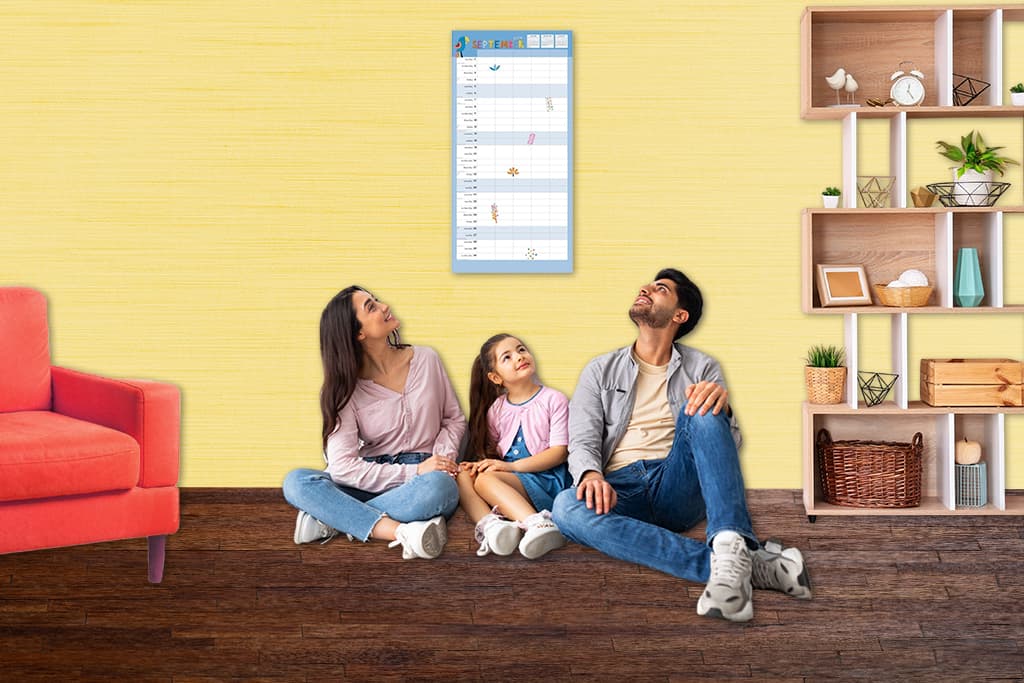
One calendar for an entire family sounds tidy until soccer, piano, camps, and shifts collide in tiny date squares. A multi calendar system gives you clarity without chaos. Think one master calendar for the big picture and a few targeted calendars for details. Simple rules keep everything in sync.
Start With One Master Calendar
Pick the right format
Use a large grid like our 13.4 x 24 wall calendars for the command center. It is easy to read from across the room and has space for real notes. Put only family wide items here. School events, games, medical visits, trips, and shared rides.
Place it where people actually look
Kitchen or main hallway works best. Eye level is key. The goal is passive visibility so people do not have to remember to check it.
Use color coding that sticks
Assign each person a color. Keep a small cup of calendar only pens next to the master calendar. Pick colors with strong contrast. No one should have to guess whose practice that is.
Add Secondary Calendars for Detail
Bedrooms and work spaces
Give teens a standard 12 x 24 in their room for homework, shifts, and social plans. Keep a separate office calendar for deadlines that do not need family wide visibility. Do not duplicate everything. Only escalate items to the master when they affect more than one person.
Activity specific calendars
Heavy sports families benefit from a mudroom calendar for practices, games, and gear lists. A school calendar in the kitchen can hold due dates and early release days. Separation prevents crowding on the master calendar.
Layout That People Will Use
Build a command center wall
Put the master calendar in the center at eye level. Flank it with activity and room calendars. Keep a pencil cup and sticky notes nearby. If space is tight, use a mini wall calendar for quick date checks near doors.
Think about traffic flow
Place often used calendars near natural pauses. Breakfast table view for the master. Sports calendar near the door with the bags. Sight lines matter more than blank wall space.
Keep Calendars in Sync
Simple rules prevent duplication
Master calendar holds shared events and transport. Personal calendars hold individual tasks and details. When a personal item affects more than one person, add it to the master.
Do a weekly reset
Five minutes every Sunday is plenty. Scan school emails, team apps, and invites. Add new items to the right calendar. Cross check the week ahead for conflicts.
Adjust for Seasons
Back to school
Add a temporary school calendar during busy months. Retire it for summer. The system should flex with real life.
Holidays and big events
Use a short term calendar for meals, gifts, and travel prep. Archive it after the event. Keep the master calendar clean.
Avoid Common Pitfalls
- Too many calendars: Add a new one only if it solves a real problem.
- No ownership: Assign owners. Teens own their room calendars. One adult owns the master.
- Inconsistent updates: The weekly reset is non negotiable.
- Everything on the master: Keep details on personal or activity calendars. Elevate only what affects the group.
Make it easy and it will work
The right size calendar in the right place with clear rules beats any app that no one opens. Start with a master, add one or two targeted calendars, and run a weekly reset. That is the system.
